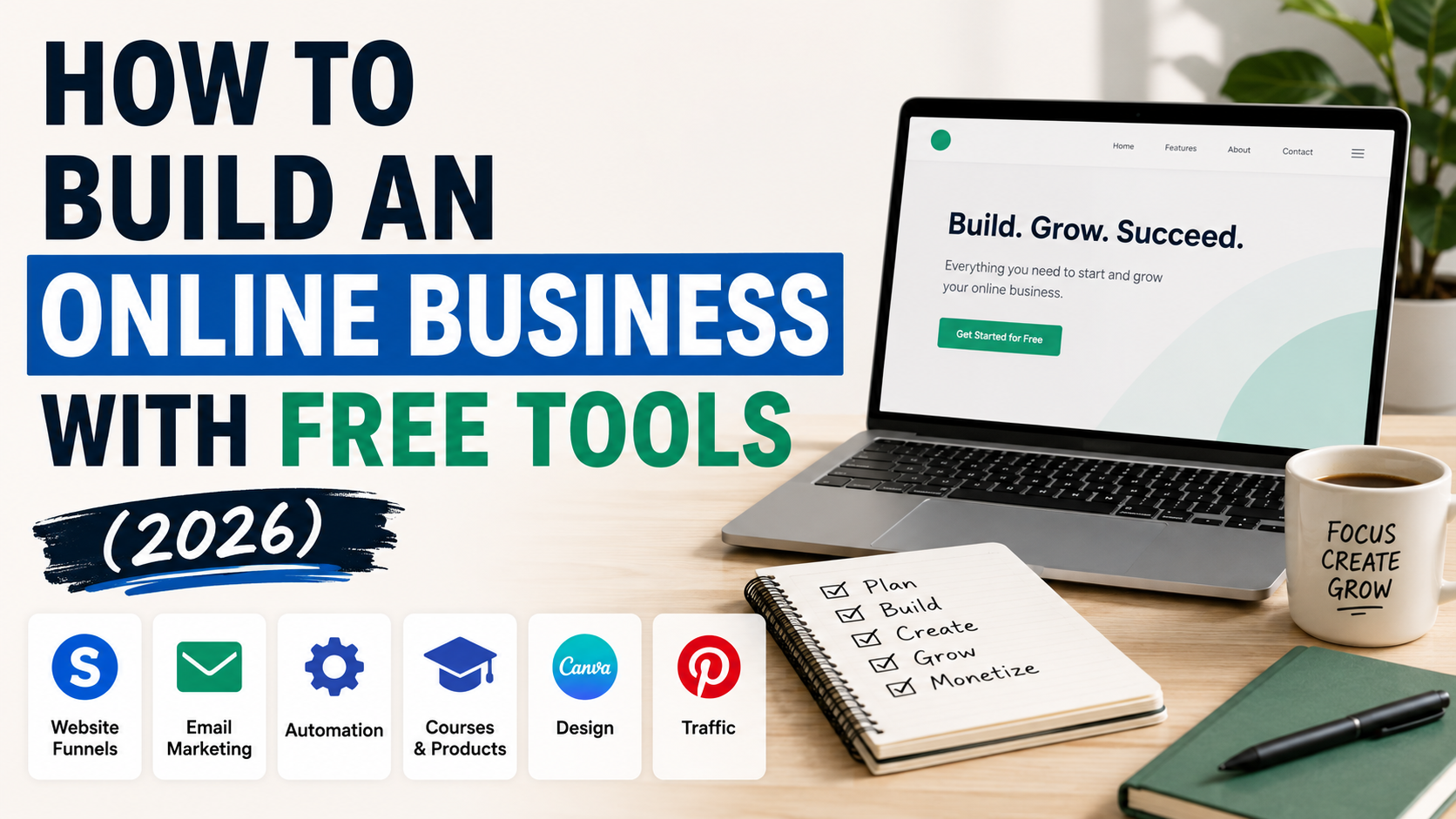
Starting an online business no longer requires an expensive website, a complicated tech stack, or hundreds of dollars in monthly software subscriptions.
In 2026, you can build a surprisingly complete online business using free tools.
You can create a website, collect email subscribers, build sales funnels, design graphics, publish content, and even start selling digital products before paying for software.
The challenge isn’t finding tools.
It’s choosing a simple stack and actually launching.
In this guide, I’ll show you a practical way to build an online business with free tools — without creating an unnecessarily complicated setup.
Affiliate disclosure: This article contains affiliate links. If you sign up through one of these links, I may earn a commission at no additional cost to you. I personally tested Systeme.io’s free plan while researching this guide.
- The Free Online Business Stack
- Step 1: Choose What Your Online Business Will Sell
- Step 2: Build Your Website for Free
- Step 3: Create One Simple Landing Page
- Step 4: Start Building an Email List
- Step 5: Create Your First Lead Magnet
- Step 6: Design Your Graphics with Canva
- Step 7: Create Content That Solves Searchable Problems
- Step 8: Use Pinterest as a Free Traffic Channel
- Step 9: Add a Simple Monetization Path
- Step 10: Automate Only After Something Works
- How Much Does This Actually Cost?
- Systeme.io vs Using Multiple Free Tools
- A Simple 7-Day Launch Plan
- What I Would Do If I Were Starting From Zero
- Final Thoughts
The Free Online Business Stack
You don’t need ten different subscriptions to get started.
A simple beginner stack can look like this:
| What You Need | Free Tool |
|---|---|
| Website | Systeme.io |
| Sales Funnels | Systeme.io |
| Email Marketing | Systeme.io or Kit |
| Automation | Systeme.io |
| Digital Products | Systeme.io or Kit |
| Graphics | Canva |
| Organic Traffic | |
| Written Content | WordPress or Systeme.io |
The goal isn’t to find the most powerful software in every category.
The goal is to build the simplest system that can attract visitors, collect leads, and eventually generate revenue.
Here’s how to build it step by step.
Step 1: Choose What Your Online Business Will Sell
Before creating a website or opening ten different software accounts, decide what you’re actually building.
For a solo creator, some of the simplest online business models include:
- Affiliate marketing
- Digital products
- Online courses
- Templates
- Paid newsletters
- Freelance services
- Coaching or consulting
- Content sites
You don’t necessarily need your own product on day one.
For example, an affiliate site can start by publishing useful reviews, comparisons, and tutorials about products people are already searching for.
That’s exactly why choosing a niche comes before choosing your software.
Keep Your Niche Specific
Avoid starting with something extremely broad like:
Business
A narrower positioning is easier to understand:
Marketing tools for solopreneurs
Or:
Productivity software for creators
Or:
AI tools for small online businesses
Your niche should make it obvious who you’re helping and what problem you’re helping them solve.
Step 2: Build Your Website for Free
Once you know what you’re building, you need somewhere to send people.
Traditionally, this meant buying hosting, installing WordPress, configuring plugins, and connecting several marketing tools.
That’s still a perfectly valid route.
But if your priority is getting started with minimal cost, an all-in-one platform can simplify things considerably.
One option is Systeme.io.
Its free plan currently includes up to 2,000 contacts, three sales funnels, one blog, one course, one custom domain, and unlimited email sends.
I tested the website builder myself while preparing my full Systeme.io review.
I was able to create a basic creator website using its visual editor without writing code.
Read my full Systeme.io Review (2026)
For someone testing a new business idea, that’s enough functionality to get a real project online before committing to another monthly subscription.
Step 3: Create One Simple Landing Page
Don’t build a 30-page website before you know whether anyone wants what you’re offering.
Start with one useful landing page.
It should answer four basic questions:
Who is this for?
Make it immediately clear who your target audience is.
What problem does it solve?
Explain why someone should care.
What will they get?
This could be a free checklist, newsletter, template, guide, course, or product.
What should they do next?
Give visitors one clear call to action.
For example:
Get the Free Creator Toolkit
is much clearer than:
Learn More
Your first landing page doesn’t need to be beautiful.
It needs to communicate one offer clearly.
Step 4: Start Building an Email List
Traffic is valuable.
An audience you can reach again is even more valuable.
That’s why collecting email subscribers early can be useful even if your website is tiny.
There are two interesting free options for creators.
Option 1: Systeme.io
Systeme.io makes sense when email is part of a broader sales system.
You can connect your forms, funnels, email marketing, products, and basic automation inside the same platform.
This reduces the number of tools you need to connect.
Option 2: Kit
Kit takes a more email-first approach.
Its current Free plan supports up to 10,000 subscribers and includes unlimited email broadcasts, forms and landing pages, plus tagging and segmentation. Advanced features such as visual automations and email sequences require a paid plan.
So which should you choose?
If you’re primarily building a newsletter or email audience, Kit is particularly attractive.
If you’re building funnels, products, courses, and email marketing together, Systeme.io offers a broader all-in-one toolkit.
I’ve compared the two in more detail here:
Systeme.io vs Kit (2026): Which Is Better for Creators?
Step 5: Create Your First Lead Magnet
People usually need a reason to give you their email address.
That’s where a lead magnet comes in.
A lead magnet is simply something useful you give away in exchange for an email signup.
It doesn’t need to be a 100-page ebook.
In fact, something small and immediately useful is often easier to create.
Examples include:
- A checklist
- A one-page cheat sheet
- A Notion template
- A spreadsheet
- A short PDF guide
- A list of recommended tools
- A prompt collection
- A mini email course
For example, if your site helps creators choose software, you might offer:
The Free Creator Tech Stack — 10 Tools You Can Start Using for $0
That’s closely connected to what the reader is already interested in.
Step 6: Design Your Graphics with Canva
You don’t need to hire a designer just to start publishing.
Canva has a Free plan with a drag-and-drop editor, templates, stock assets, cloud storage, and a limited allowance for AI features.
You can use it to create:
- Pinterest Pins
- Blog graphics
- Lead magnet PDFs
- Social media posts
- Simple logos
- Product graphics
- Presentation slides
Don’t spend three weeks designing a perfect brand identity.
Choose a small set of colors, one or two fonts, and a consistent visual style.
Then start publishing.
You can improve the branding later.
Step 7: Create Content That Solves Searchable Problems
Now you need traffic.
One of the most accessible ways to start is publishing content around problems your target audience is already trying to solve.
There are several useful article formats.
Reviews
Example:
Systeme.io Review: Is It Worth It for Solo Creators?
Reviews target people already researching a particular product.
Comparisons
Example:
Systeme.io vs Kit: Which Is Better for Creators?
These can reach people who are closer to making a software decision.
Best Tools Lists
Example:
Best All-in-One Marketing Platforms for Solopreneurs
These allow readers to compare multiple solutions.
How-To Guides
That’s the category you’re reading right now.
A useful guide solves a problem while naturally introducing tools that help accomplish the task.
The important part is intent.
Don’t publish random articles just because they’re easy to write.
Publish content that connects:
Problem → Solution → Tool → Action
Step 8: Use Pinterest as a Free Traffic Channel
Google isn’t the only way people can discover your content.
Pinterest can also work as a visual discovery channel for topics such as:
- Online business
- Blogging
- Content creation
- Marketing
- Productivity
- Design
- Creator tools
Instead of creating one Pin and forgetting about an article, you can test multiple visual angles.
For example, this article could become Pins such as:
7 Free Tools to Start an Online Business
Start an Online Business for $0
The Free Solopreneur Tech Stack
All three can point to the same guide while testing different hooks.
This is important because you’re not just publishing content.
You’re building distribution around that content.
Step 9: Add a Simple Monetization Path
Eventually, traffic needs somewhere to go.
There are several ways to monetize a small online business.
Affiliate Marketing
Recommend tools you genuinely believe are useful and earn a commission when eligible readers purchase through your referral link.
This works particularly naturally with reviews, comparisons, and tutorials.
Digital Products
You can create templates, ebooks, guides, spreadsheets, or other downloadable products.
Online Courses
If you have expertise that can be taught systematically, a course can turn that knowledge into a product.
Systeme.io’s free plan currently allows one course, and the platform combines course hosting with funnels and email marketing.
Services
You can also use content to generate leads for consulting, freelancing, coaching, or other services.
You don’t need all four.
Pick one monetization path first.
Step 10: Automate Only After Something Works
This is where many new online businesses make a mistake.
They try to automate everything before they’ve generated any traffic or revenue.
Don’t automate a process that hasn’t proven useful yet.
Start manually.
Publish the article.
Create the Pin.
Send the email.
Watch what happens.
Once something starts working repeatedly, automate that process.
This keeps your business simple and prevents you from spending weeks building systems nobody uses.
How Much Does This Actually Cost?
Technically, you can start much of this setup for $0 in software costs.
A basic stack could be:
Systeme.io: $0
Kit: $0 if you choose it for email
Canva: $0
Pinterest: $0
You may eventually choose to pay for a domain, hosting, premium software, advertising, or advanced features.
That’s normal.
The point isn’t to never spend money.
The point is to avoid unnecessary expenses before you’ve validated your idea.
Systeme.io vs Using Multiple Free Tools
You have two basic approaches.
Approach 1: One All-in-One Platform
Use Systeme.io for:
- Website
- Funnels
- Automation
- Courses
- Products
This is simpler to manage.
Approach 2: Specialized Tools
You might combine:
- WordPress for content
- Kit for email
- Canva for design
- Other platforms for products and automation
This gives you more flexibility, but it also creates more moving parts.
I’ve compared several all-in-one options here:
Best All-in-One Marketing Platforms for Solopreneurs in 2026
For a beginner trying to minimize both cost and complexity, I generally prefer starting simple.
A Simple 7-Day Launch Plan
You don’t need months to get the first version online.
Here’s a simple schedule.
Day 1: Choose your niche and business model.
Day 2: Create your website or landing page.
Day 3: Create a simple lead magnet.
Day 4: Set up your email capture form.
Day 5: Publish your first useful article.
Day 6: Create several Pinterest graphics.
Day 7: Publish and start measuring what happens.
At that point, you have something far more valuable than another business idea sitting in a notebook.
You have a live experiment.
What I Would Do If I Were Starting From Zero
If I were starting a small creator business with almost no software budget, I wouldn’t build an elaborate tech stack.
I’d choose one narrow audience.
I’d create one useful offer.
I’d build a simple site and email capture system.
Then I’d publish content answering questions that audience is already searching for and distribute that content through channels such as Pinterest.
Only after seeing traffic, subscribers, or sales would I start paying for additional software.
The biggest advantage of free tools isn’t simply saving money.
It’s giving yourself permission to test before you invest.
Final Thoughts
You don’t need thousands of dollars to start an online business in 2026.
You need a problem worth solving, a simple way to reach people, and enough consistency to learn what works.
Tools such as Systeme.io, Kit, Canva, and Pinterest can cover a surprising amount of the infrastructure needed to get started without a large upfront software budget.
But don’t spend months comparing tools.
Build something.
Publish it.
Measure the response.
Then improve it.
If you want an all-in-one starting point for websites, funnels, email marketing, automation, and digital products, Systeme.io is one of the most accessible options I’ve tested.
コメント